Use Zoxide and level-up your terminal experience
There is a better way to change paths in your terminal. Don't go looking using "cd" and "ls", jump right in!


Let's do a quick exercise, check your shell history and see how many times you have used your cd command:
🏠
nu ⌁ : history | find 'cd ' | length
692
If your history, you might find that your count might be much higher than mine, and that is exactly my point.
Even though we change folders so much in our terminals it is not the most used command for me, whereas I see many traversing their files to find the exact path you need.
Let's run an example from my day-to-day: Say I am about to start working on a project for a client of mine, and thankfully I have my folder structure organized. I know their name, and where roughly their folder should be at: Home -> Source -> Clients -> ClientA -> ProjectA.
With this mental map I should be able to just go there, right? Let's see if I can do that cleanly using pure CD:
bash-3.2$ cd SOurce
bash-3.2$ ls
REDACTED
bash-3.2$ cd clients
bash: cd: clients: No such file or directory
bash-3.2$ cd fancywhale
bash-3.2$ ls
REDACTED

bash-3.2$ echo $PWD
/Users/fancygui/SOurce/fancywhale
bash-3.2$ cd clients
bash-3.2$ ls
example                 **********         ***                    ************            *******************
bash-3.2$ cd example
bash-3.2$ cd projecta
bash: cd: projecta: No such file or directory
bash-3.2$ cd project1
bash-3.2$
I forgot that my example project was using the suffix 1 instead of A, so let's just say it took a little bit longer than it should. But let's have a look with zoxide now: (my cd command is an alias for zoxide, I will show you at first so you know that whenever I run cd, I am actually running through zoxide)
🏠
nu ⌁ : which cd
╭───┬─────────┬──────┬───────╮
│ # │ command │ path │ type  │
├───┼─────────┼──────┼───────┤
│ 0 │ cd      │      │ alias │
╰───┴─────────┴──────┴───────╯

🏠
nu ⌁ : cd project1

Clients/example/project1
nu ⌁ :
Did you see that? One CD command and that is it. No need to fumble through your folders and trying to figure out where it was. But you might be asking yourself how such thing would even work, and it is rather simple: it knows the paths you have visited in the past!
It would have worked even if I didn't remember the whole name of the folder:
🏠
nu ⌁ : cd project

Clients/example/project1
nu ⌁ :
As part of your zoxide installation and usage, you will replace your cd command with zoxide's counterpart. This is going to work quite similar to your regular workflow, but with a great difference: it will keep track of the folders you visit.
Clients/example/project1
nu ⌁ : zoxide query -l | lines |  length
Alias tip: cd = z
266
It works as simple as that, it knows all the folders you visit. All it has to do is search and find the one that has the closest "rank" to the path you have typed, then it uses that to change your $PWD. That means it is only necessary to visit a path at least once, and now it is as easy to reach it as typing partially what it has in its path!
Give it a shot and try it out for yourself, I promise you won't be disappointed
 ajeetdsouza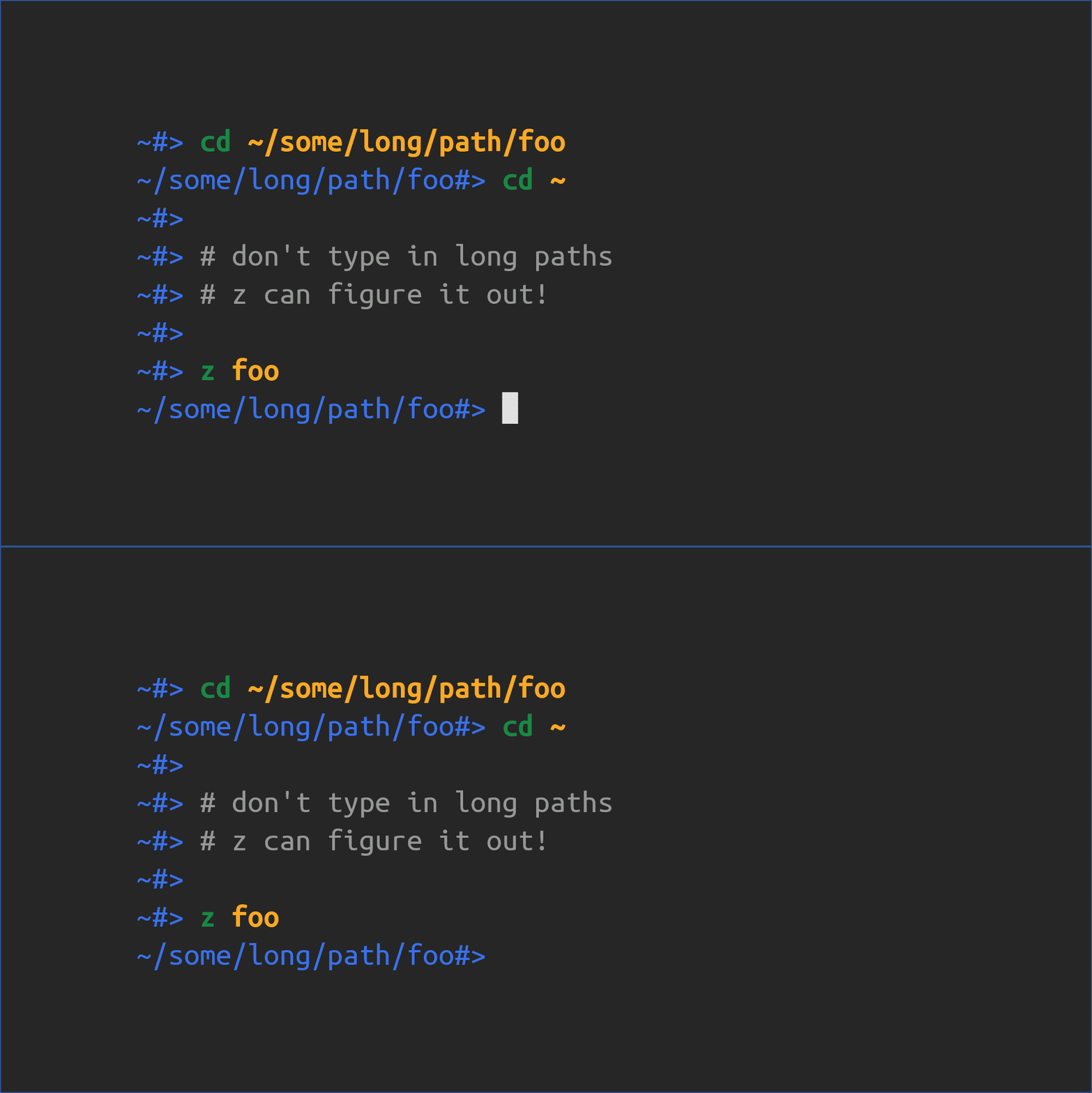
I would like to give an honorable mention to autojump. It used to be my 'cd alternative' before Zoxide came to the scene. A great tool as well!
 wting
wting
So there it is, this is how you can start to level-up your terminal experience. Let me know down in the comments if you would like for me to bring up more tools like this in the next post.